
More time for patients. Less time on paperwork.
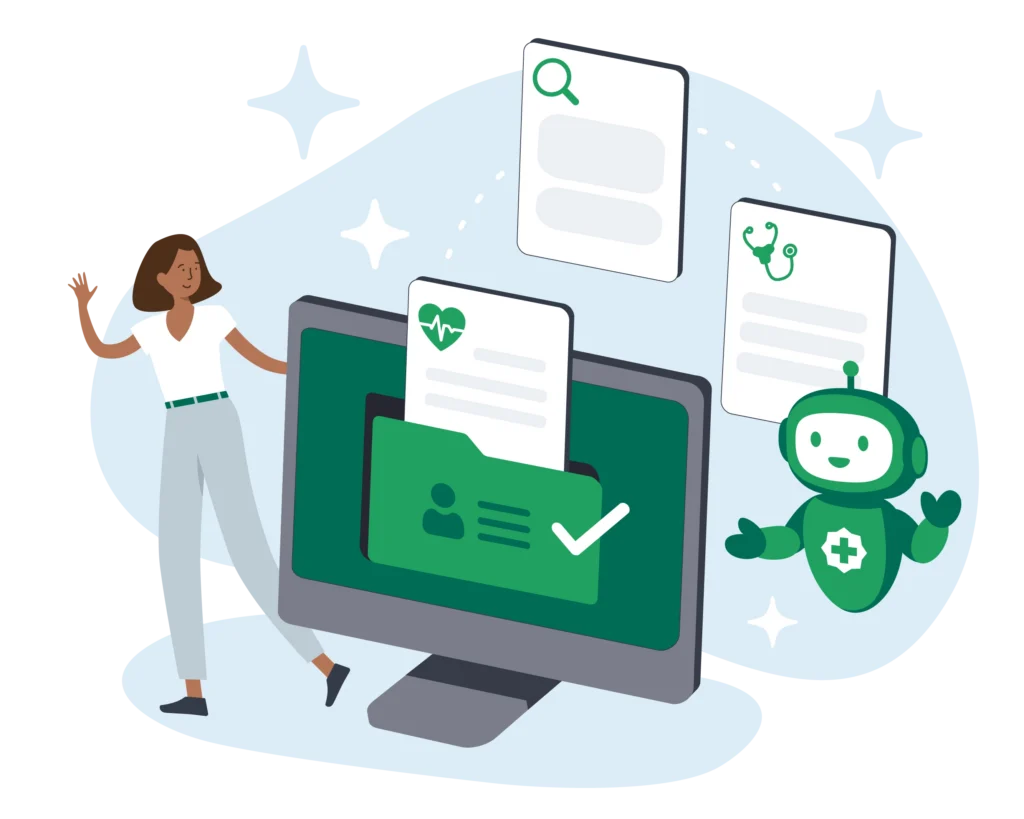
Document Assistant extracts key details from letters, referrals, and results, matches them to the right patient, and files them into the patient file or doctor’s inbox in Best Practice.
5+ hrs
Most practices spend five hours or more every day sorting and filing inbound medical documents. Document Assistant is designed to reduce manual work, with AI-efficiency and accuracy, without removing the human review step.
What is Document Assistant?
Document Assistant is an AI tool in the HotDoc Sidebar that extracts key details from incoming documents in seconds, matches them to the right patient, and suggests where they should be filed in Best Practice.
1
Upload and match
Upload one or many documents and AI extracts the patient name, date of birth, doctor, sender, category, subject and date.
2
Your team reviews
Review and edit fields to make any changes. Document Assistant catches any duplicates so you’ll never upload the same document twice.
3
Import
Document Assistant imports one or many documents into the patient file, doctor’s inbox, or Investigations in Best Practice.

Busy practice? Big paperwork pile.
With more GPs comes a backlog of referrals, letters, and results. Document Assistant is designed to remove the task of manual data entry, giving you more time for higher-priority tasks.
Save time at the front desk
Upload a batch of documents and let AI pre-fill the key filing details, so staff can review them instead of entering each field manually.
Accurate, with human review
AI suggests the patient, practitioner and document details, while your team checks every field and confirms the filing destination before import.
All in HotDoc, then into Best Practice
Review each document in Document Assistant, then import it in one click to the right place in Best Practice.
Delegate with confidence
Pre-filled details and a consistent review step make document processing easier to share across the team.
For your reception team
Give your team more time and mental energy, and less time playing catch up on medical correspondence.
Less data entry
Patient, practitioner, sender, date, subject and category are pre-filled, so the team has more time for patient care.
Work Through Batches Faster
Upload documents in batches and review them as they’re ready.
No double handling
Makes document admin easier to delegate across the reception team. Duplicate-detection means the same doc will never be imported twice.

For practice managers & owners
Create More Capacity
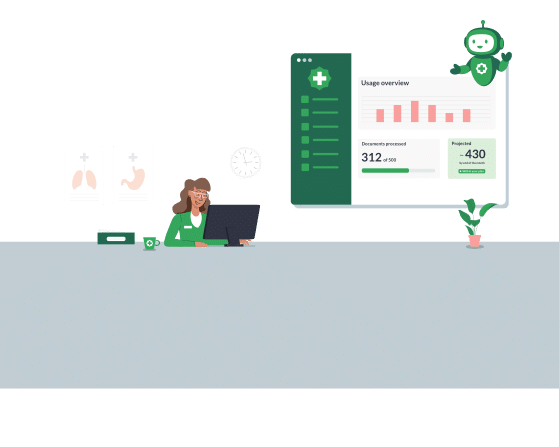
Reduce repetitive document admin so your team has more time for patients and higher-priority work.
Fits Your Existing Workflow
Document Assistant works in the HotDoc Sidebar and imports directly into Best Practice, without introducing another standalone system.
Built With Clinical Data In Mind
Documents are processed in Australia, encrypted, and deleted from HotDoc within 72 hours.
Built for Australian practices
Australian-hosted
SOC 2 Type 2
Document Assistant is hosted on HotDoc’s SOC2 audited platform.
Human in the loop
We’ve created maximum efficiency while keeping a human review step.
Data erased after import
Document data is removed after import.
Get time back for what matters
Find out how Document Assistant can help your practice.
FAQs
Document Assistant is priced by volume, so you’re never paying for capacity you don’t use. Every plan includes a 30-day free trial. From there, choose one of four tiers that fits your practice, starting at $99/month. You can also change your usage tier at any time, from within the HotDoc Dashboard.
Document Assistant only extracts the key details needed to help file documents correctly in Best Practice, including the patient’s name and date of birth, practitioner, sender name and organisation, date of service, subject and category. This information is used solely to assist with filing documents into Best Practice.
Yes, anyone with a clinic user account that can log in to the Sidebar can access Document Assistant and upload files. If a file has already been imported into Best Practice, we’ll flag it as a duplicate when you upload it into Document Assistant.
No. Documents are used only to extract key filing details to help match and file them correctly in your PMS. They are not used to train AI models.
Yes. The system is designed to align with the Australian Privacy Principles, including secure handling, limited use, and appropriate data retention practices.