We’re always adding to the HotDoc platform to improve the experience for both practices and patients.
February 11, 2026
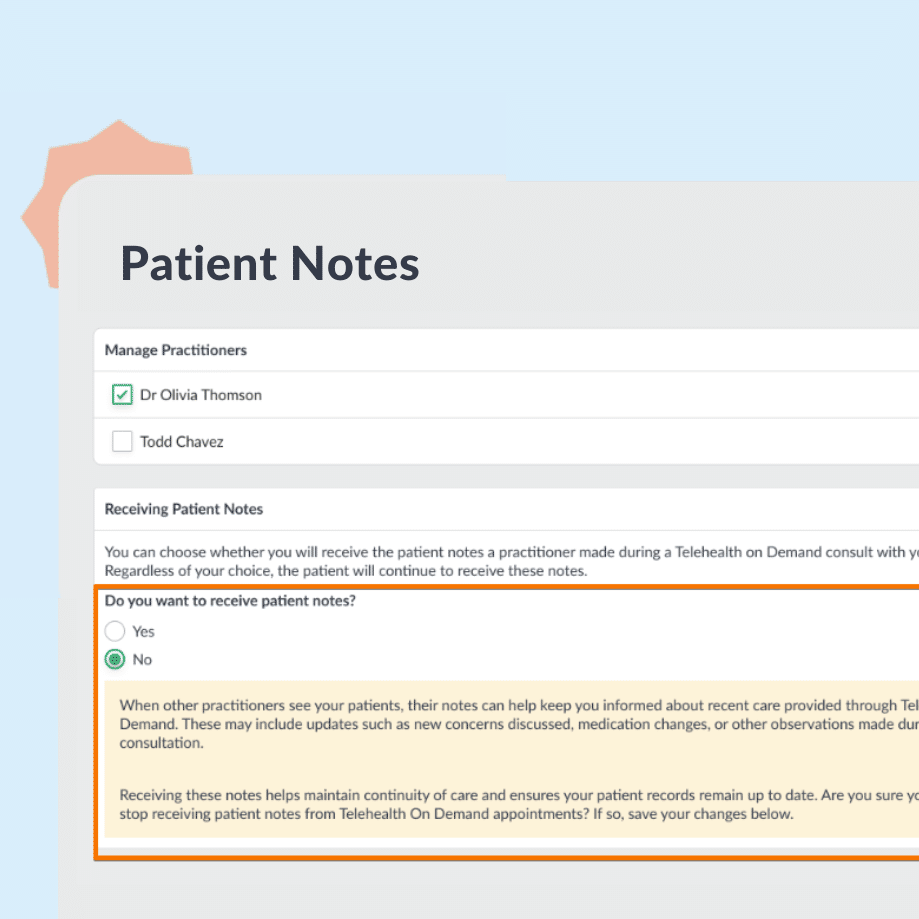
Improved patient notes flow for Telehealth On Demand (Best Practice)
We’ve upgraded how Telehealth On Demand consultation notes are delivered. Doctors get faster access to the notes in their BP inbox, practices have clearer opt-out controls, and patients benefit from a more secure access flow.
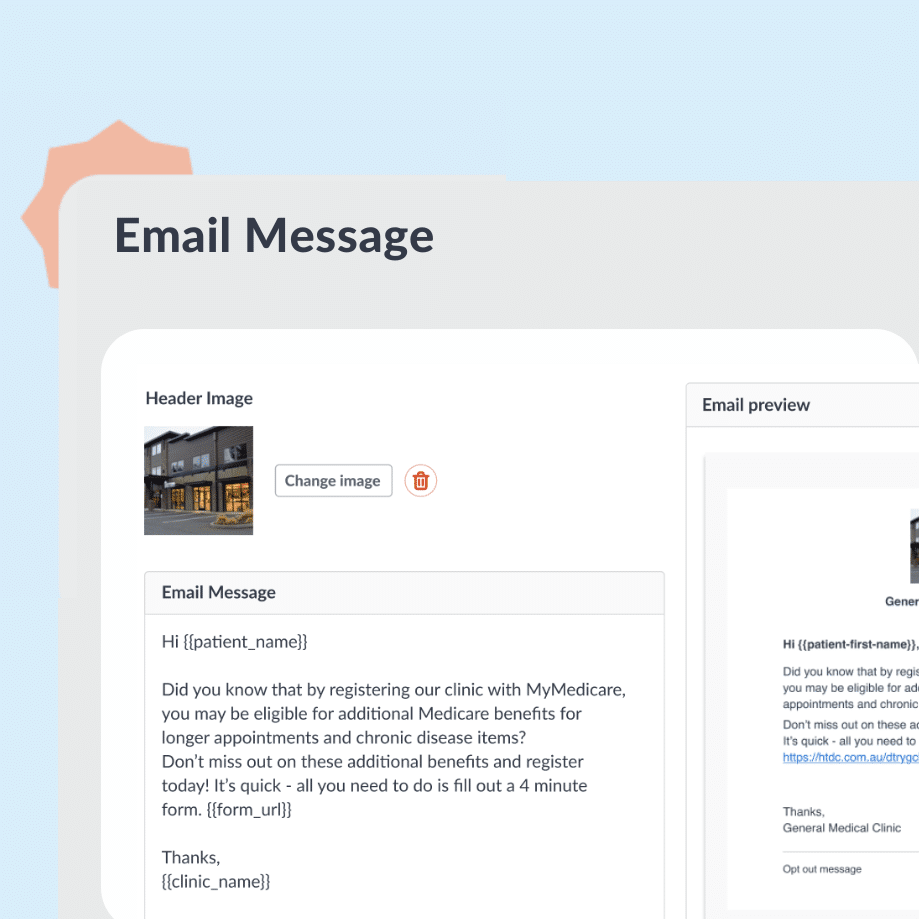
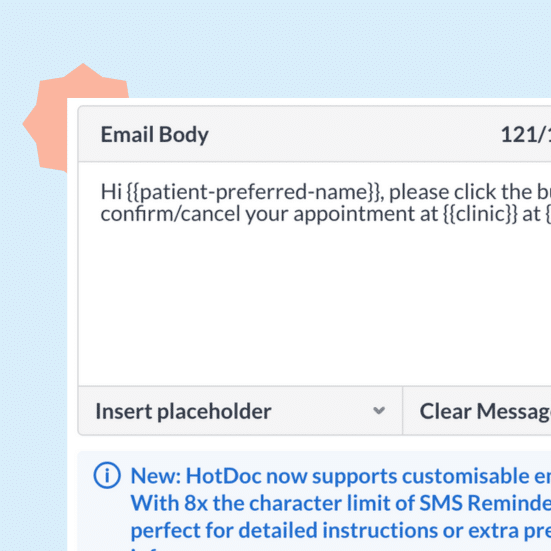
Create, schedule, and send targeted email campaigns to patients directly from HotDoc; with no word count limit and no need for Mailchimp or similar tools. Filter by patient type, personalise your message, and reach patients the way they prefer.
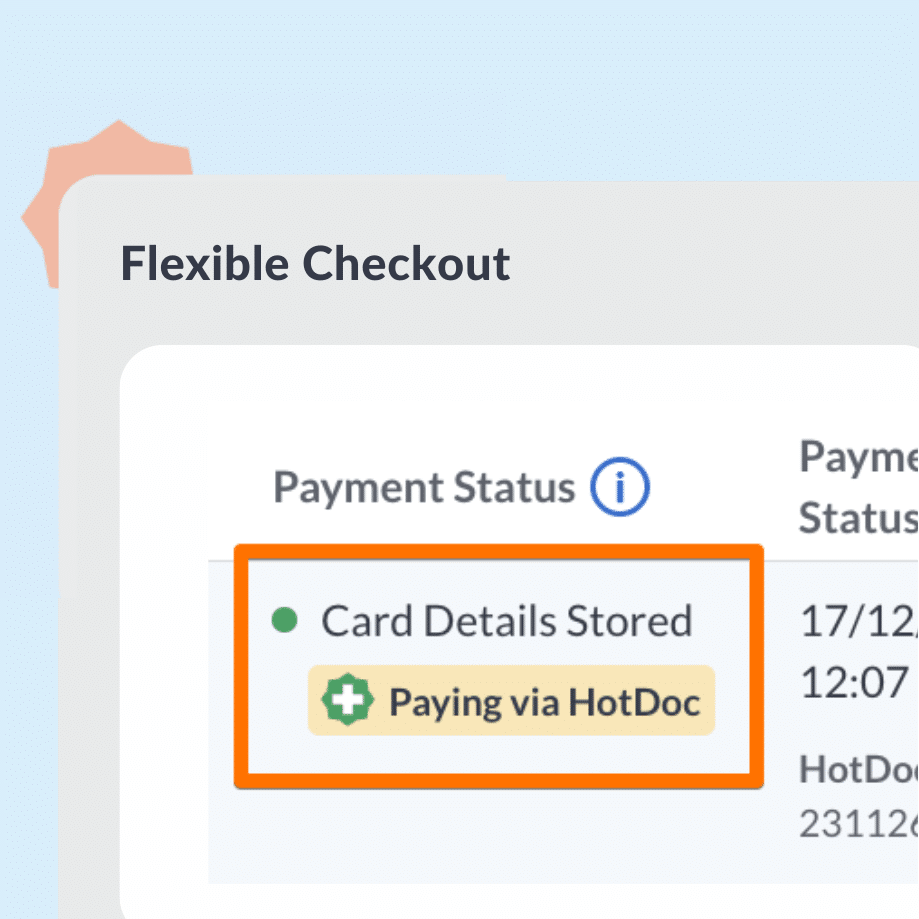
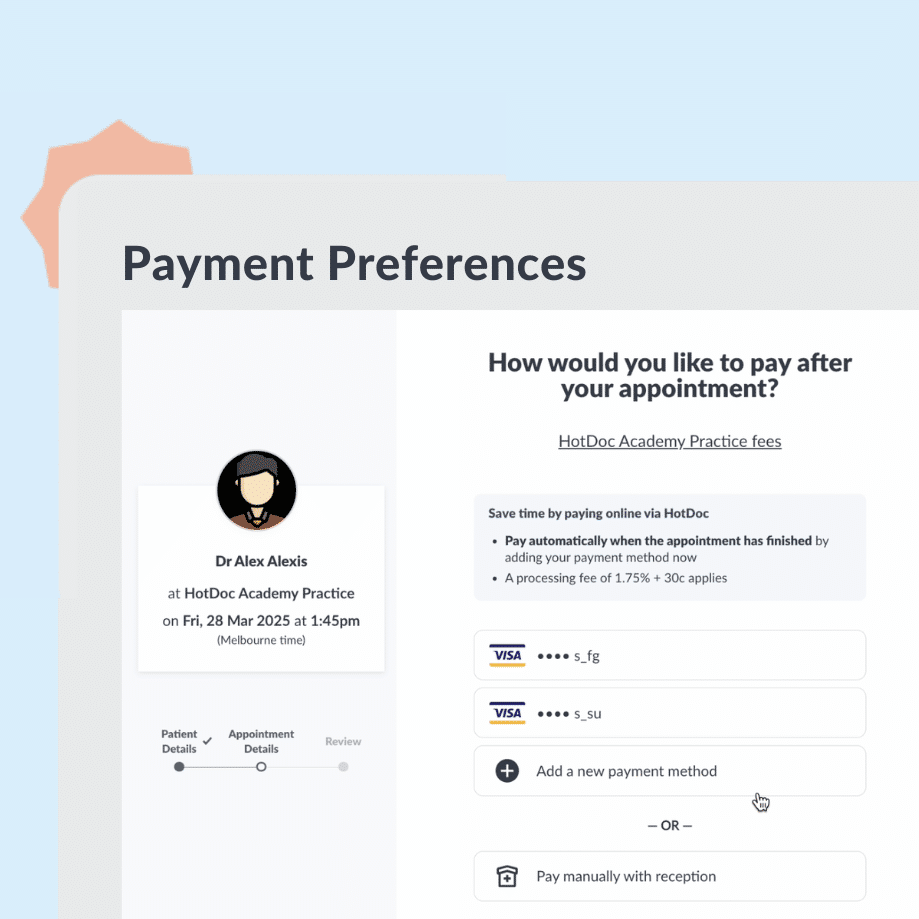
Patient Payment Preferences is now Flexible Checkout
Flexible Checkout Previously known as Patient Payment Preferences, Flexible Checkout allows patients to pre-select a payment method — including digital wallets or a saved card — for upcoming face-to-face appointments that don’t have other payment methods enabled. This is an optional feature that can be switched on/off.
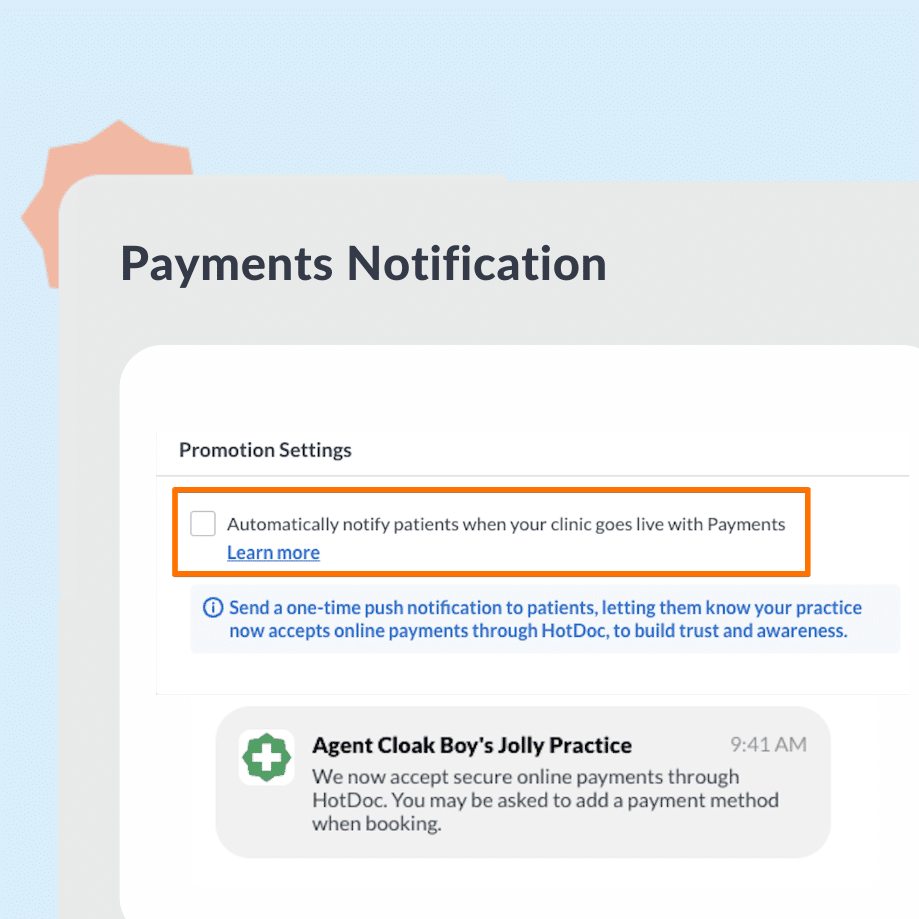
When your practice first goes live with HotDoc Payments, HotDoc automatically sends a one-off push notification to eligible patients to let them know online payments are available. Drive awareness and early adoption right from day one.
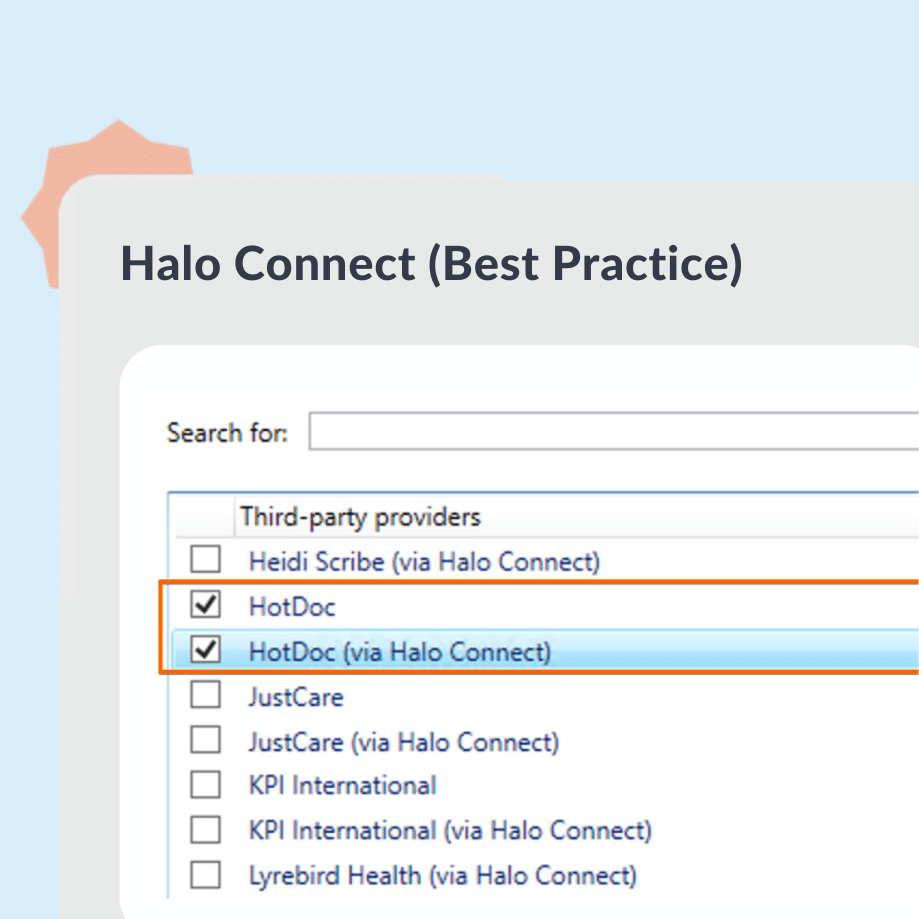
A new Halo Connect Verification workflow in your HotDoc Dashboard makes it straightforward to integrate with Best Practice’s updated third-party connection system.
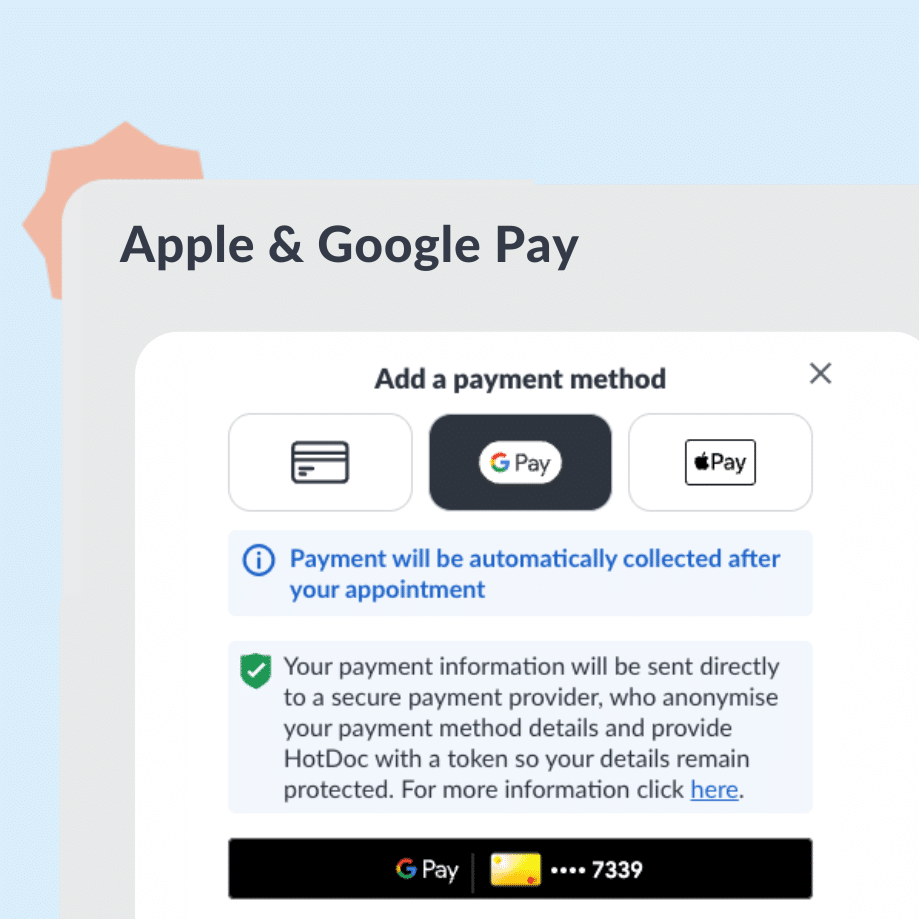
Patients can now pay for appointments using Apple Pay or Google Pay across key HotDoc payment flows. Checkout is faster, more secure, and patients no longer need to manually enter card details, reducing drop-off at the payment step.
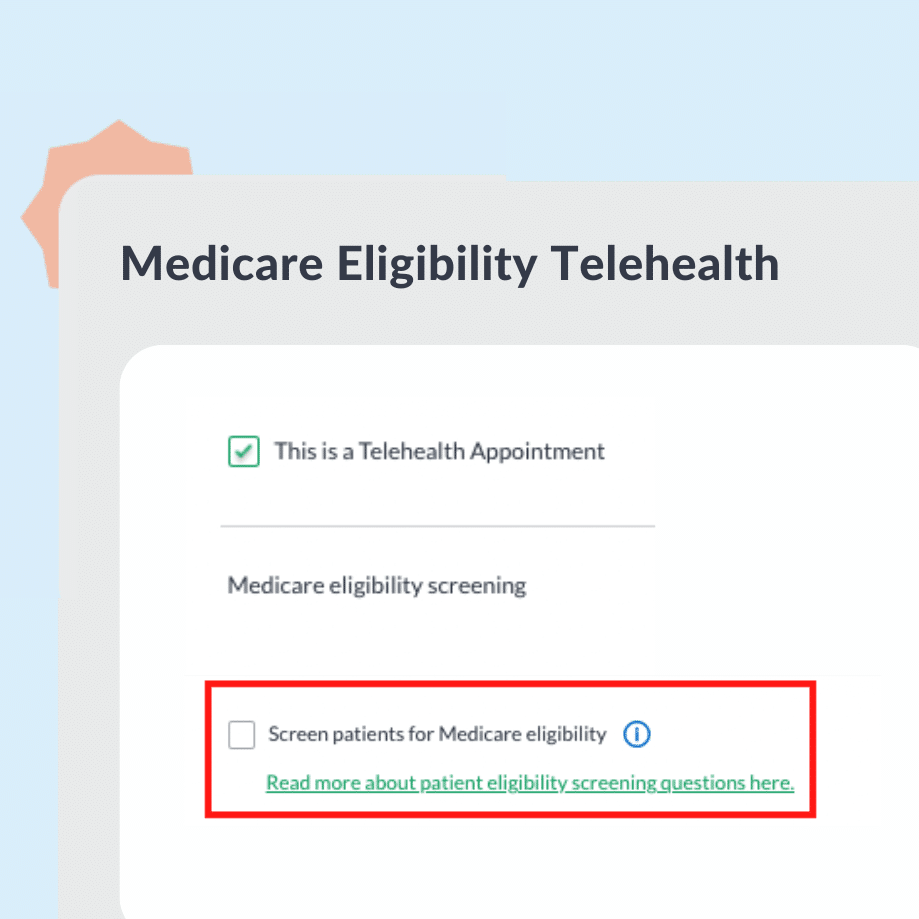
From 1 November 2025, MyMedicare-registered patients no longer see Medicare eligibility screening questions when booking Telehealth through HotDoc, in line with updated government rules.
Choose whether you receive Telehealth patient notes
We’ve upgraded how Telehealth On Demand consultation notes are delivered. Doctors get faster access in their PMS, clinics have clearer opt-out controls, and patients benefit from a more secure access flow — supporting better continuity of care.
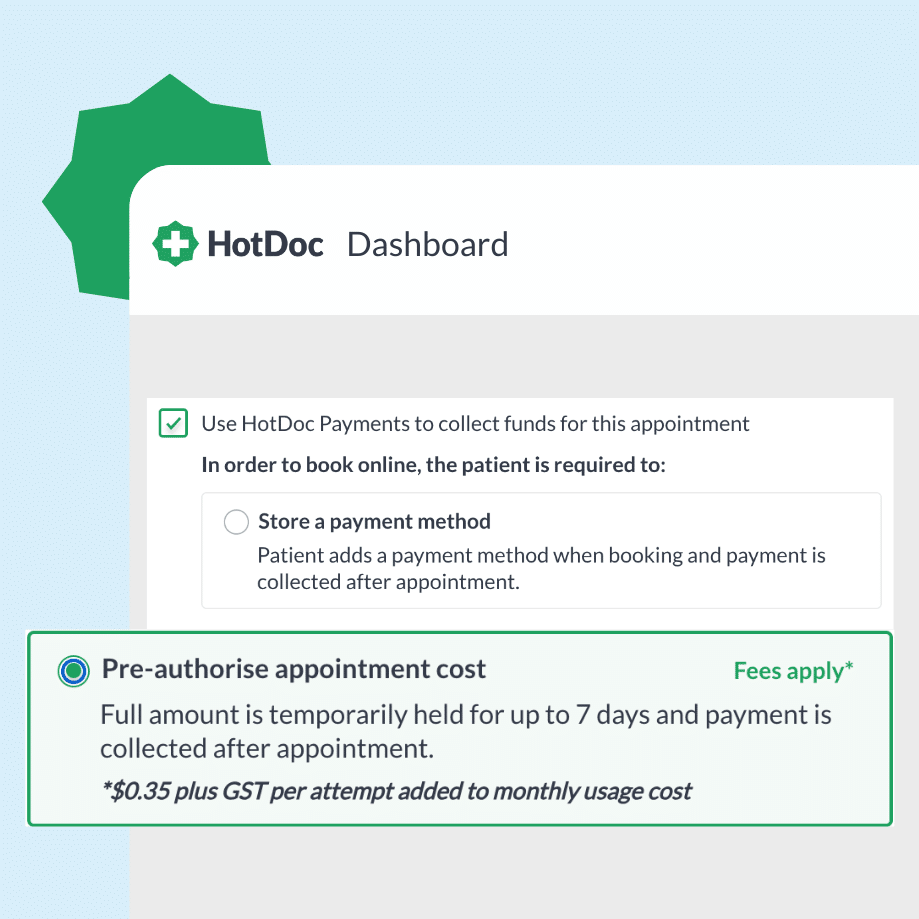
For appointments booked more than 6 days in advance, pre-authorisation now takes place 5 days before the appointment date. This meaningfully reduces failed payments and declined charges.
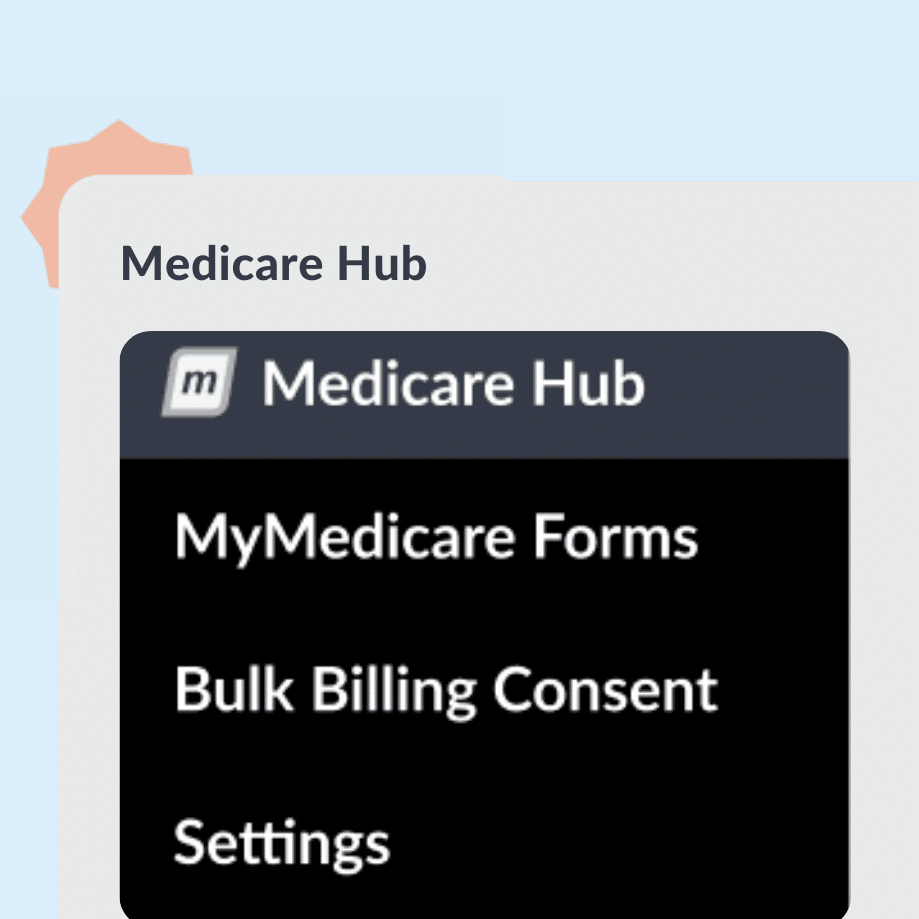
Clearer MyMedicare information in the My Medicare Hub
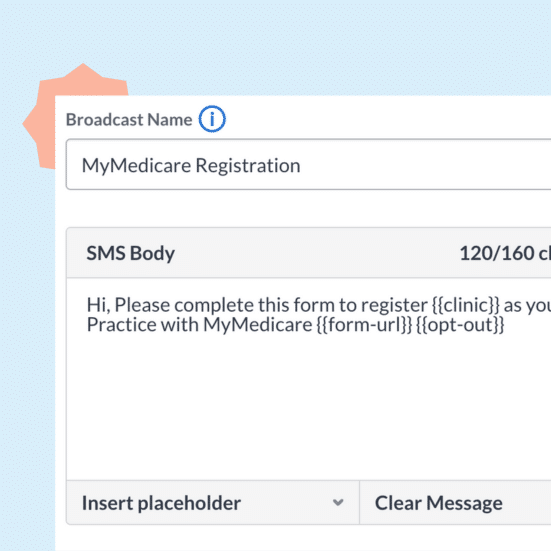
We’ve improved the MyMedicare registration flow, making it easier for patients to understand and sending forms only to eligible, unregistered patients.
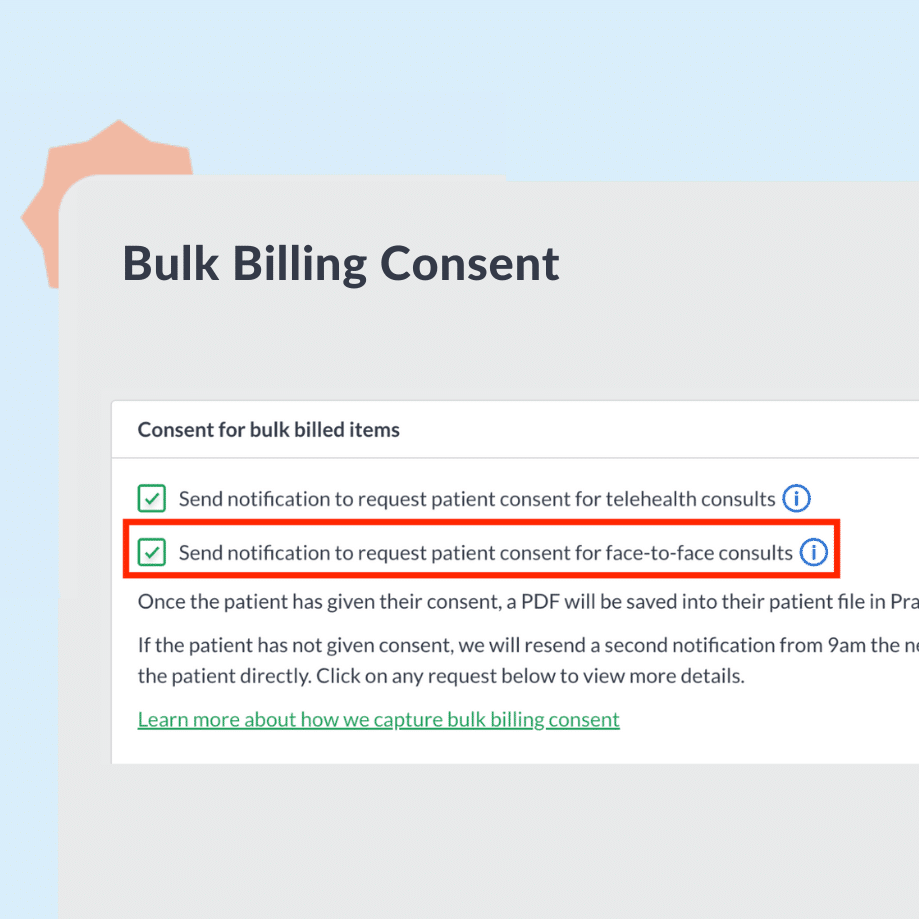
Auto-send bulk billing consent requests for F2F appointments
Capture patient consent for bulk billing face-to-face appointments via email and push notifications. Save staff time and safeguard compliance with a seamless process.
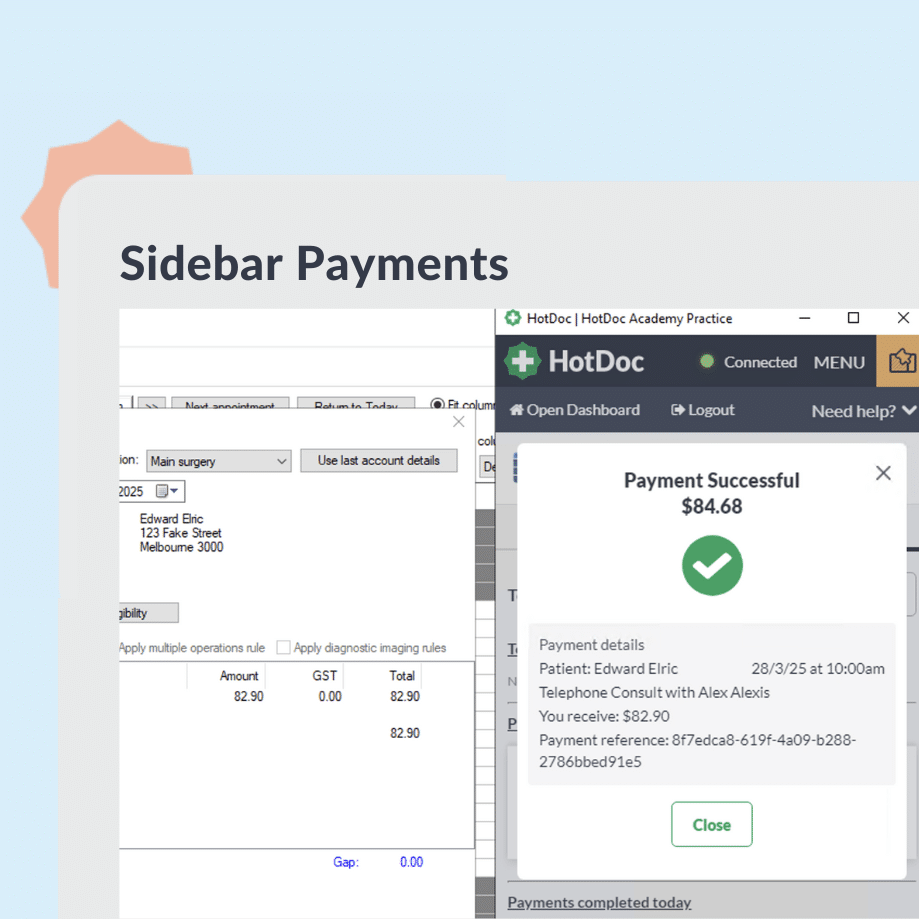
Collect payments for face-to-face appointments and process Medicare claims directly in the HotDoc Sidebar. Manage in-person payments in one streamlined workflow, reducing admin and simplifying real-time patient billing.
The new SMS Broadcast flow separates Marketing and Transactional messages. This improves compliance and builds patient trust by respecting consent preferences.
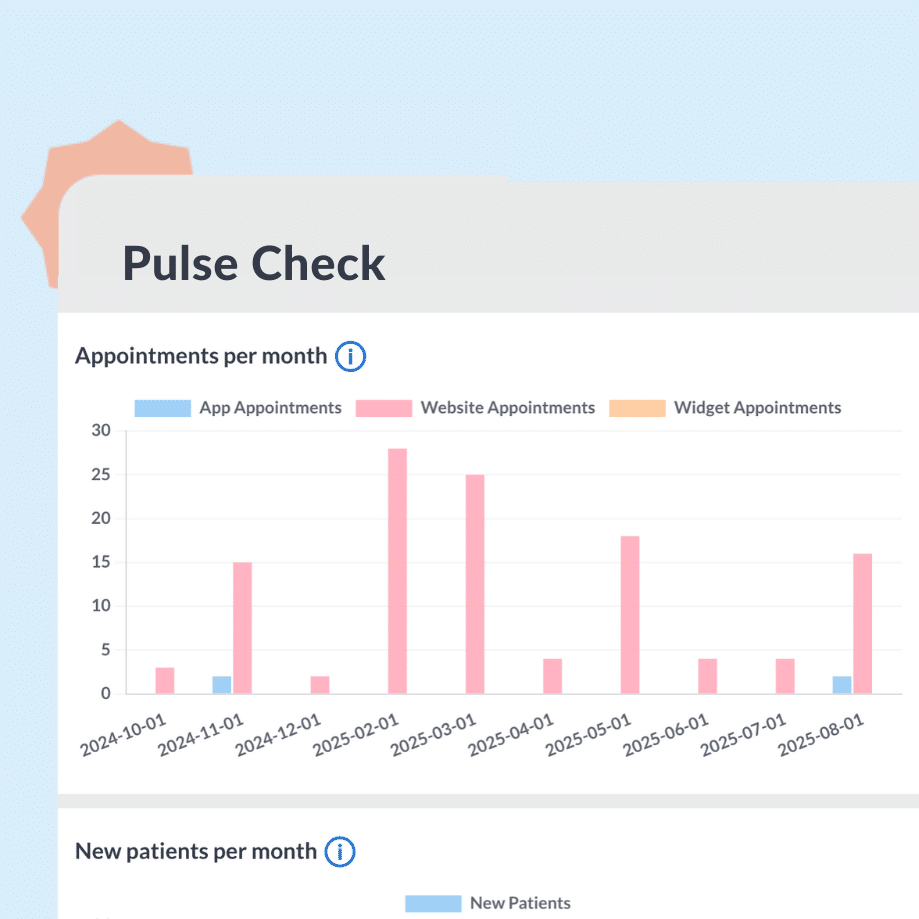
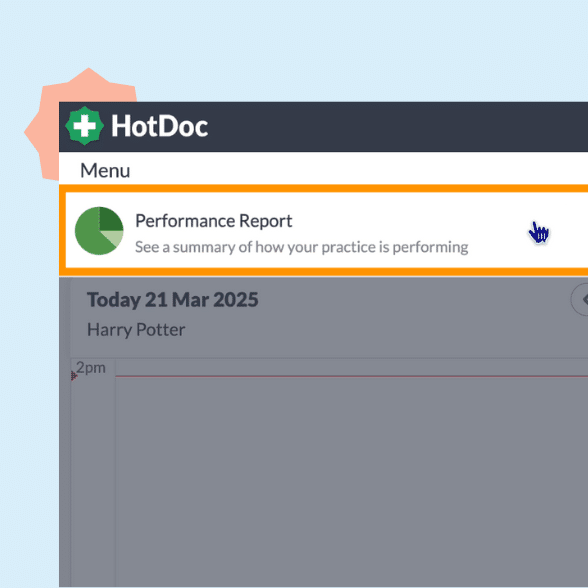
Access new practice performance insights with the new Pulse Check dashboard. Review 12 months of data across appointments, patients, payments, and Routine Requests to make better business decisions.
Patients can now pre-select their preferred payment method for face-to-face appointments. This helps streamline check-in and speeds up payment processing.
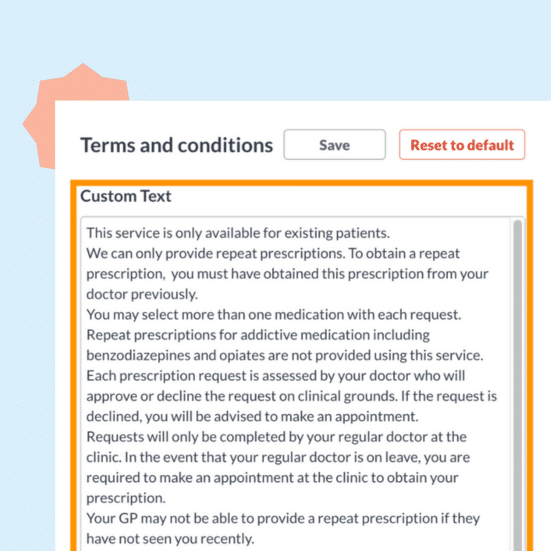
Easily tailor your email reminders with up to 1280 characters. Edit the email and SMS message, adjust active practitioners and customise the appointment type or cancellation settings.
We’ve updated the name to better reflect the service’s value. Patients can now more easily search and select the medications they need — helping prevent medication misspellings and inappropriate requests.
GPs can easily keep an eye on their earnings, track how many new patients they’re bringing in, and check out Quick Consults & Telehealth on Demand stats to make even better decisions.
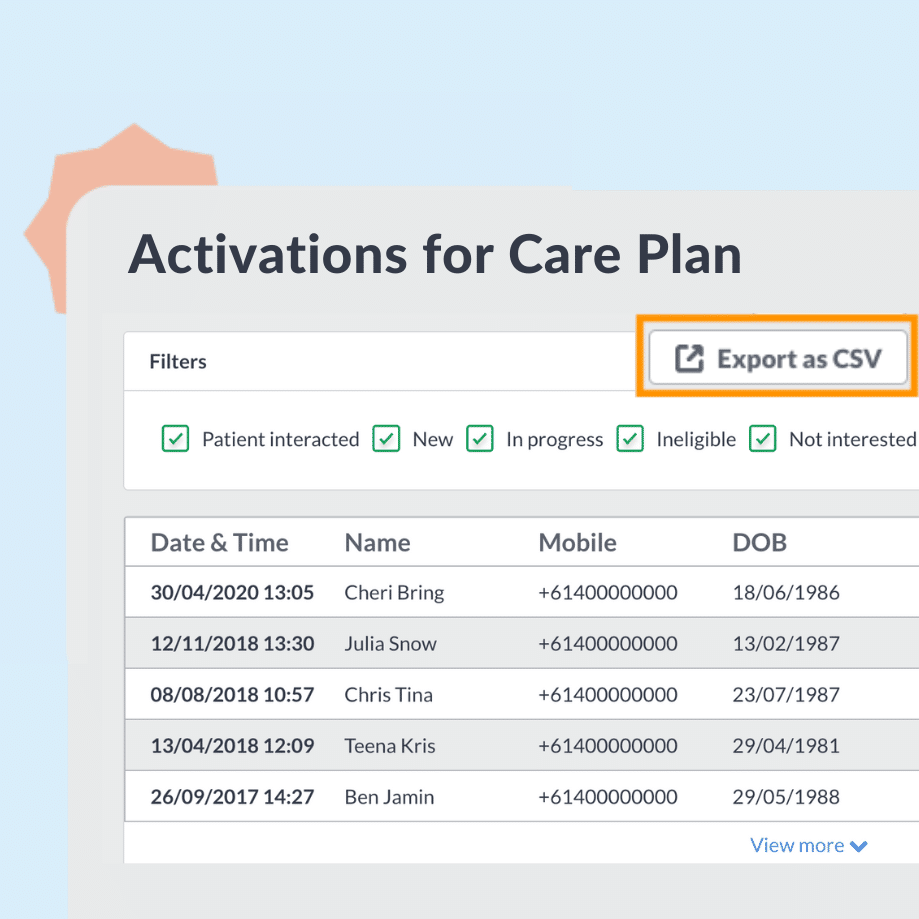
Download insights from individual Inform Activation campaigns
Creating lists of patients who’ve engaged with Inform Activation campaigns is super easy now you can export a CSV for a specific campaign. Just choose and select the filters you want to export and click the download button.
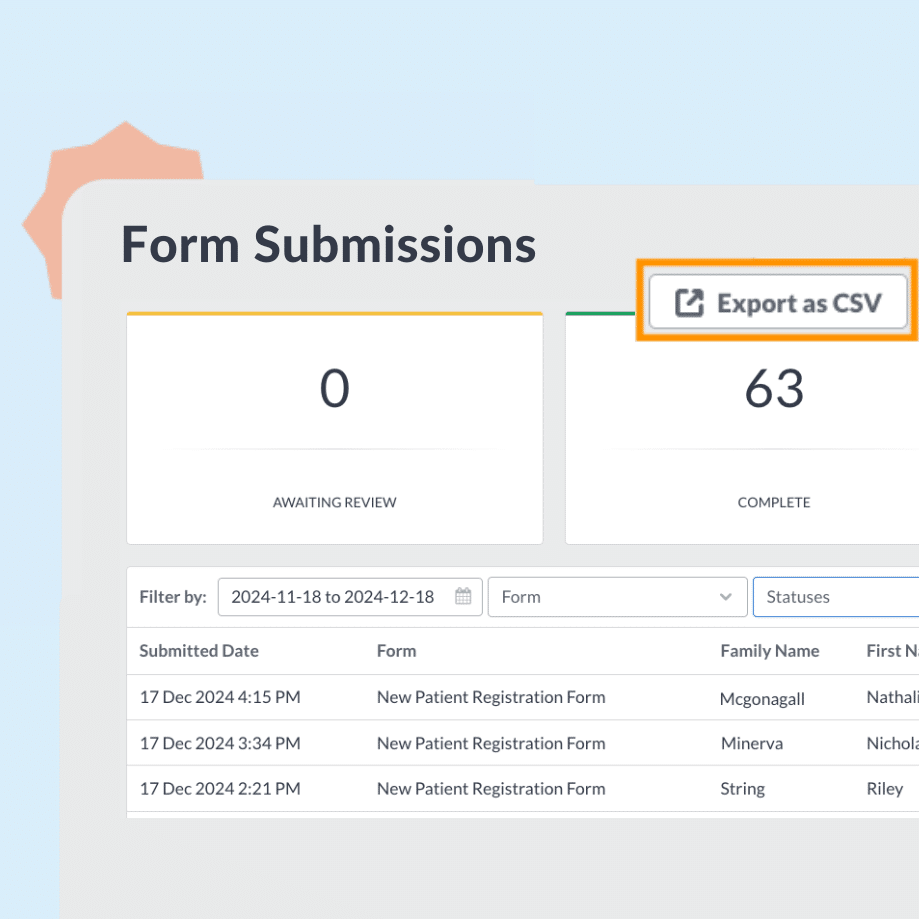
You can now use the date filter to search for form submissions for your preferred date range. Saving you that little bit of extra time to not having to do this manually in your spreadsheet.
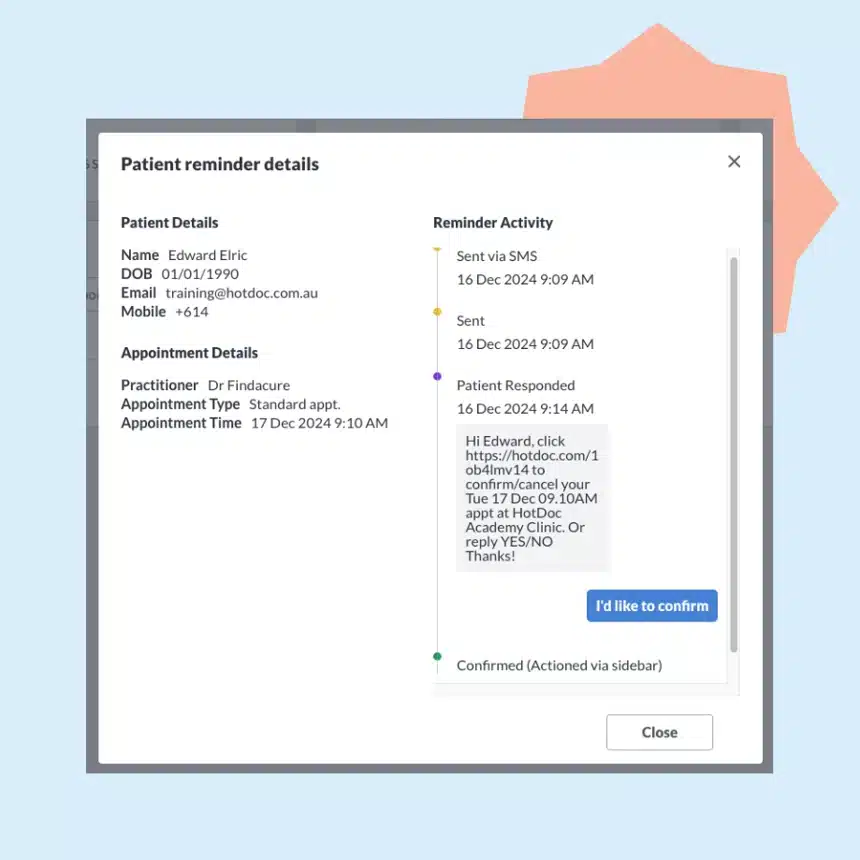
You can now view patients’ SMS responses to appointment reminders SMS including seeing their replies, and any responses that are sent to your Sidebar when a patient replies with something else than ‘Yes’ or ‘No’.
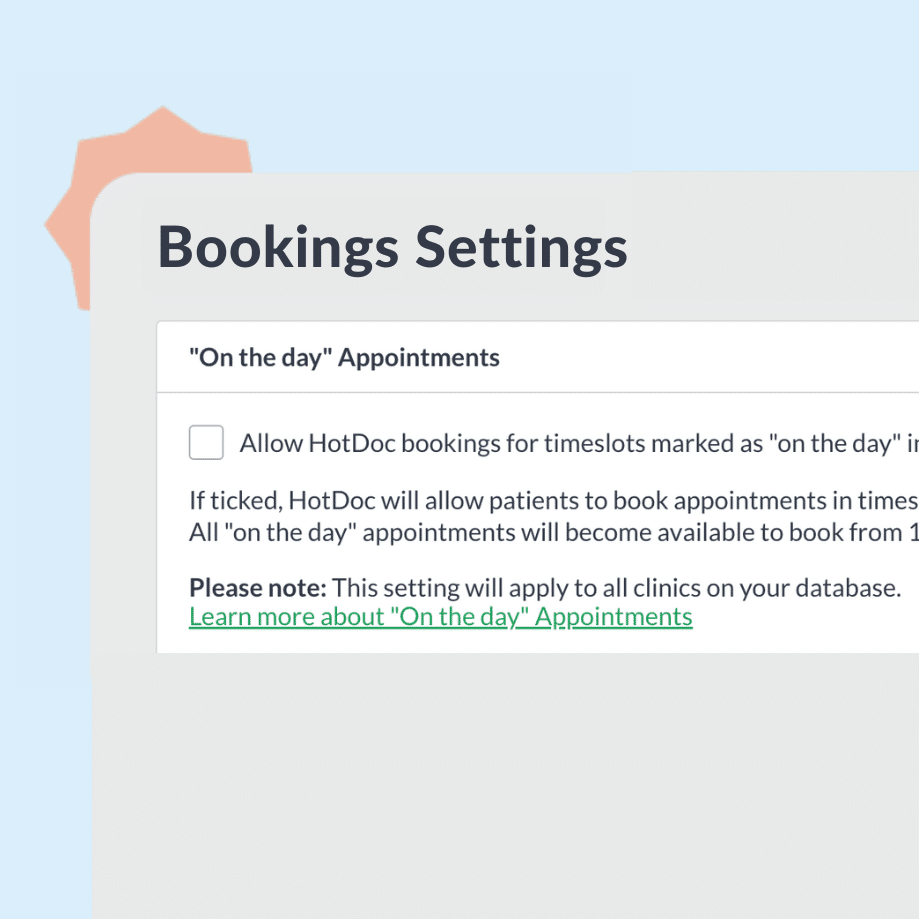
Best Practice users now have access to a new setting in your Dashboard that allows appointments marked as ‘On the day’ in Best Practice to be booked online through HotDoc, providing a more convenient patient experience and reducing incoming calls.
This one’s for Medical Director (Pracsoft) users! Streamline your invoicing by automatically creating and receipting invoices for Routine Requests into Pracsoft. We’ll show if an invoice can automatically be created to reduce the chance of missing one.
Keeping patient files accurate is so much easier now GPs can seamlessly transfer Quick Consult request details with our new copy-and-paste solution in the HotDoc Sidebar.
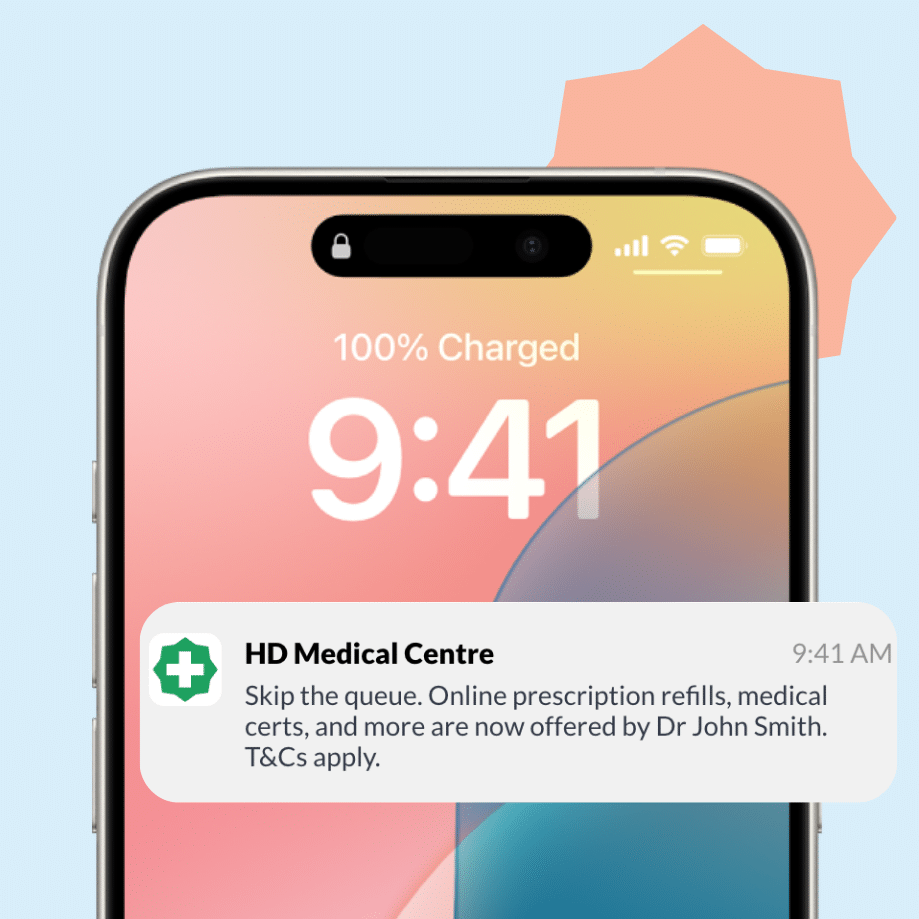
To promote doctors’ availability for new Quick Consults request types, patients in their care team will receive a push notification through the HotDoc app highlighting this new service.
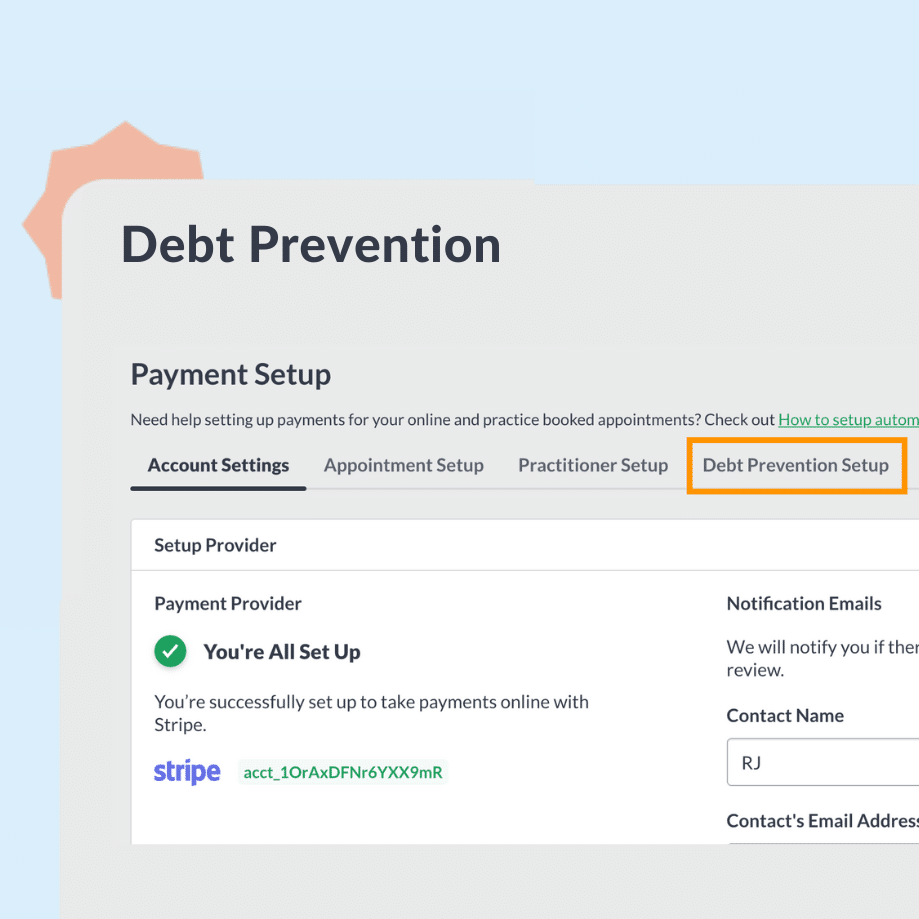
Simply put a temporary hold of the appointment cost on the patient’s card to ensure the payment gets collected after the consult. Practices using this see a 99.98% success rate with collecting funds without it impacting their bookings!