We’re always adding to the HotDoc platform to improve the experience for both practices and patients.
November 1, 2025
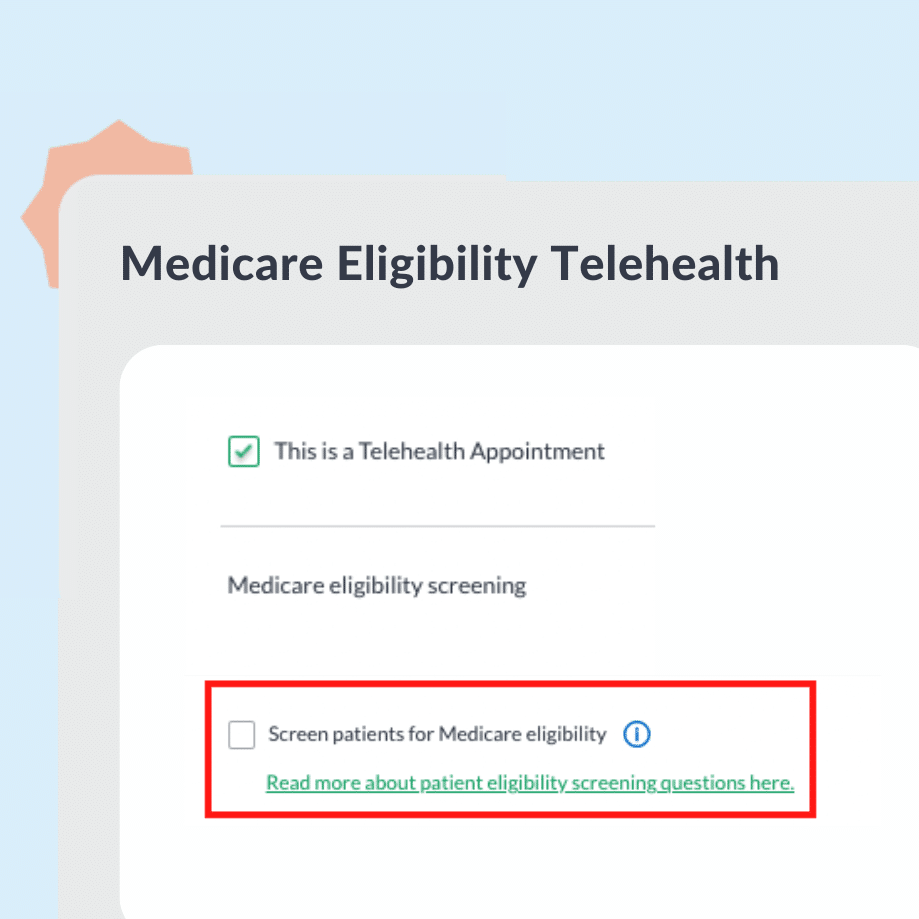
Updated Telehealth Medicare eligibility
From 1 November 2025, MyMedicare-registered patients no longer see Medicare eligibility screening questions when booking Telehealth through HotDoc, in line with updated government rules.
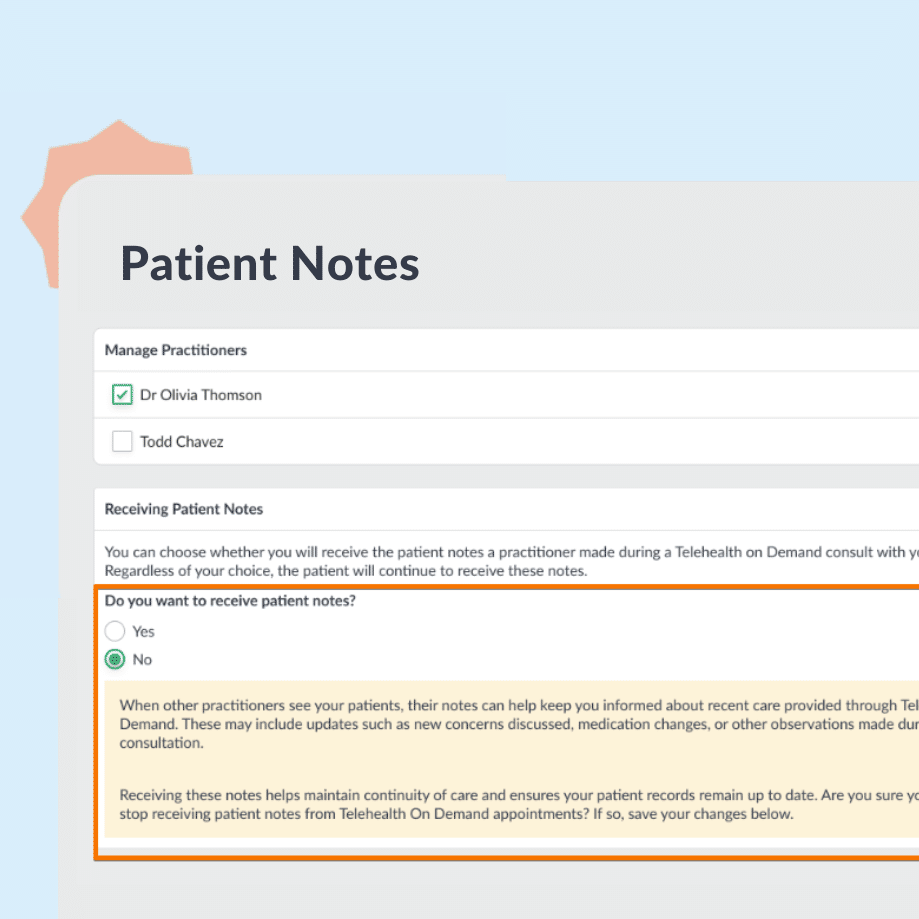
Choose whether you receive Telehealth patient notes
We’ve upgraded how Telehealth On Demand consultation notes are delivered. Doctors get faster access in their PMS, clinics have clearer opt-out controls, and patients benefit from a more secure access flow — supporting better continuity of care.
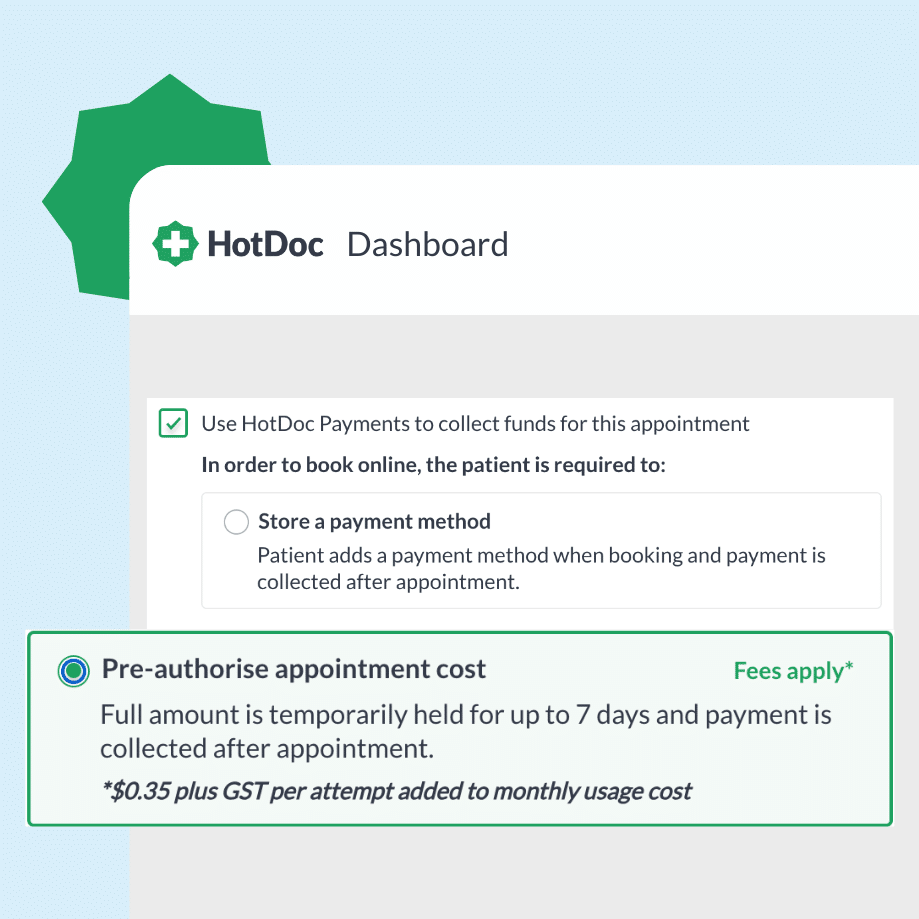
For appointments booked more than 6 days in advance, pre-authorisation now takes place 5 days before the appointment date. This meaningfully reduces failed payments and declined charges.
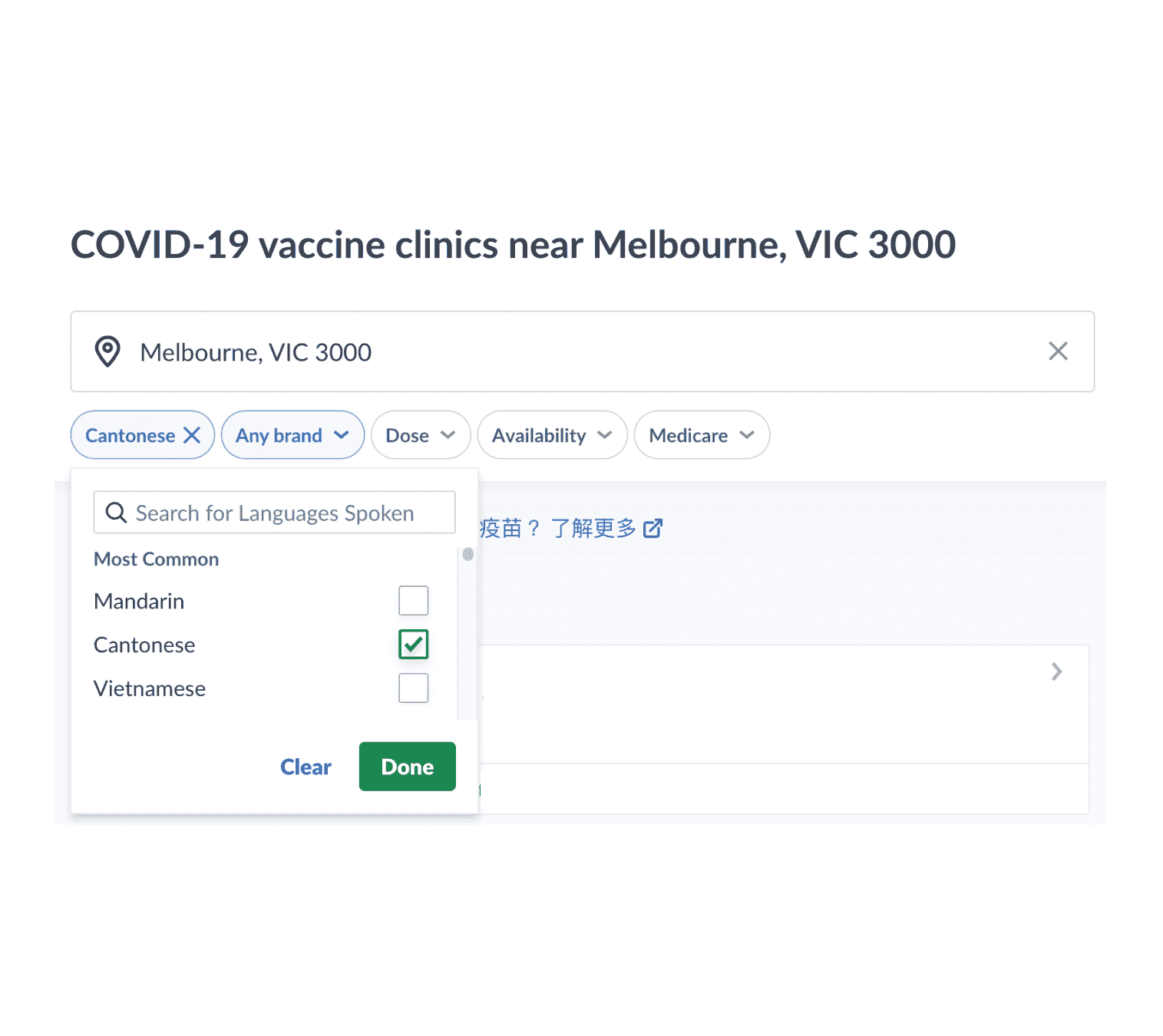
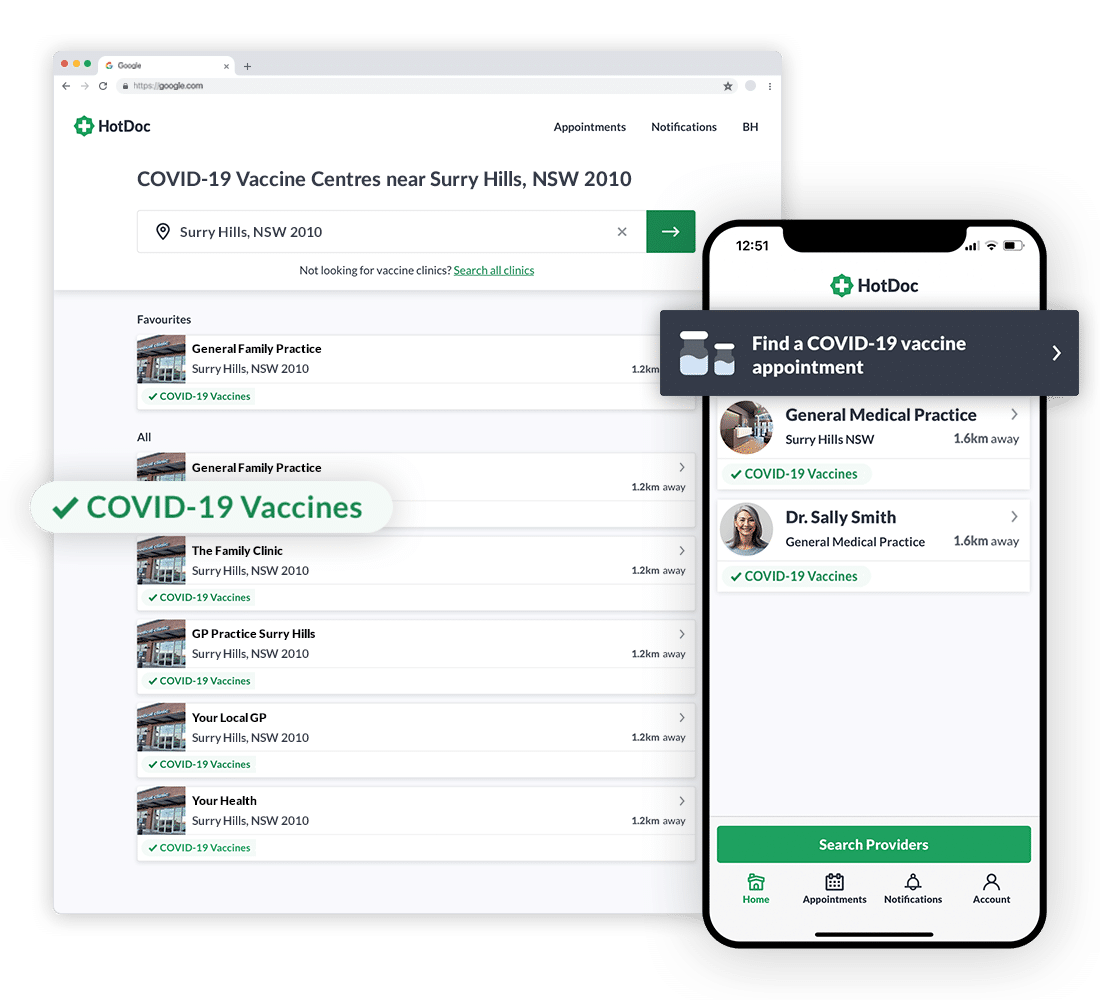
Our search filters and support articles are upgraded to help people from Culturally and Linguistically Diverse (CALD) communities find covid vaccine appointments in their language.
Exciting news! HotDoc’s Telehealth video appointments are here to stay at no additional cost to your practice. (Subject to fair usage. Only available for customers who are using HotDoc’s full product)
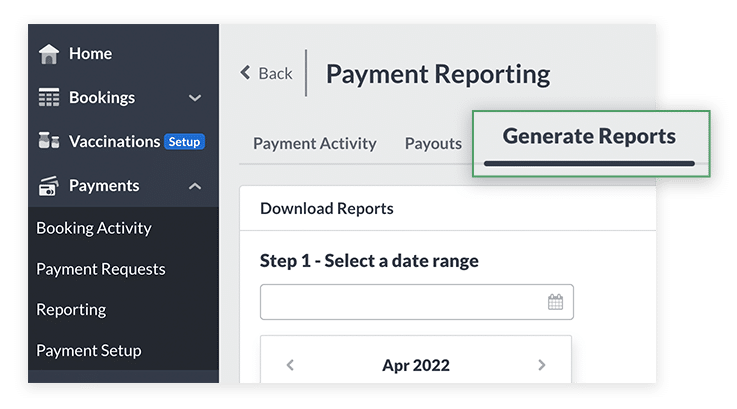
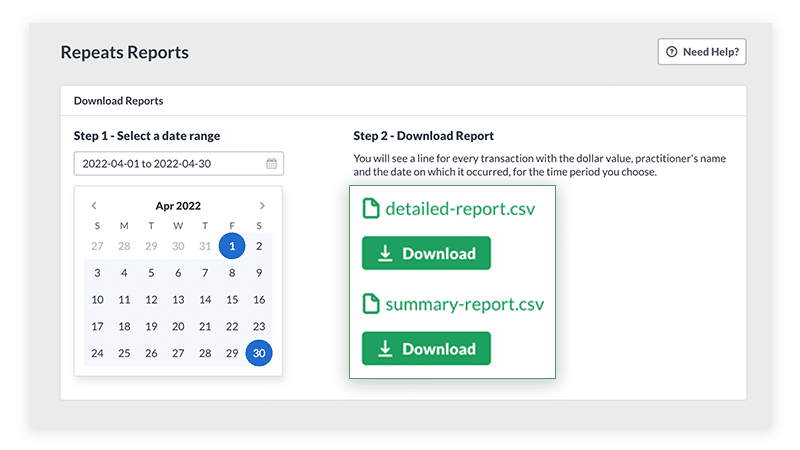
Stripe users, we made it easier for you to reconcile your payments. With more reporting options available, it’ll make it so much easier for you to calculate payments per practitioner.
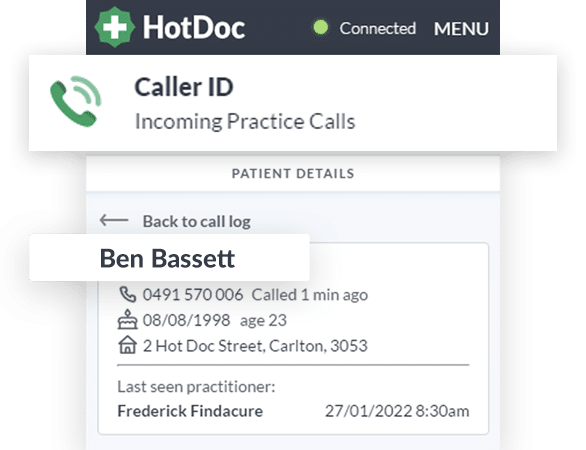
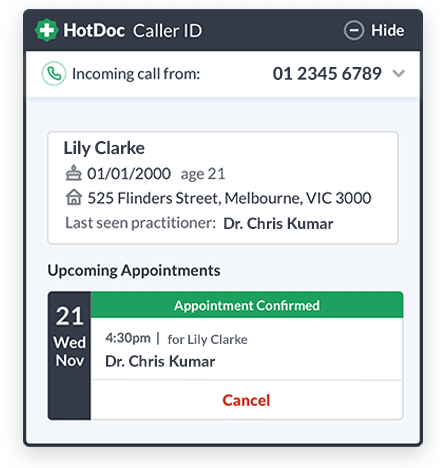
Caller ID saves receptionists a huge amount of time and helps them to improve the patient experience. When an existing patient calls your practice, Caller ID matches their phone number to tell you who is calling and give you easy access to their details.
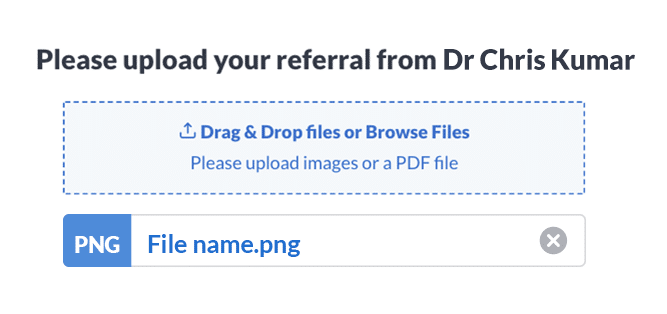
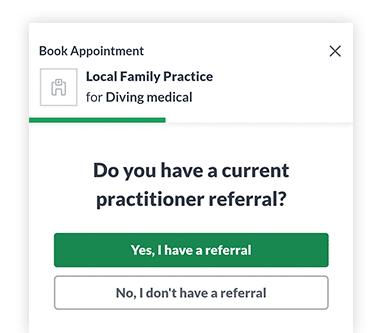
Patients can now add their referral as an image during the booking process. This greater flexibility will help you get the information you need every time.
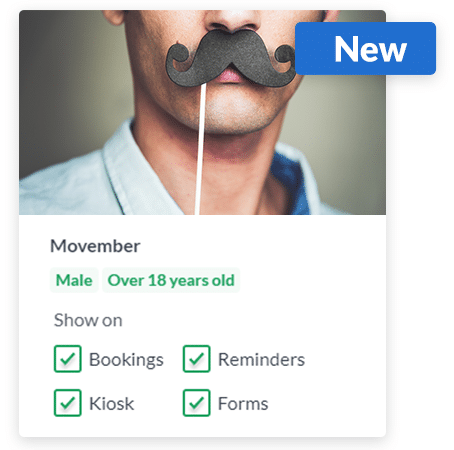
Encourage patients to prioritise preventative health with a special Movember Inform campaign. Highlight men’s health issues and get behind this great cause.
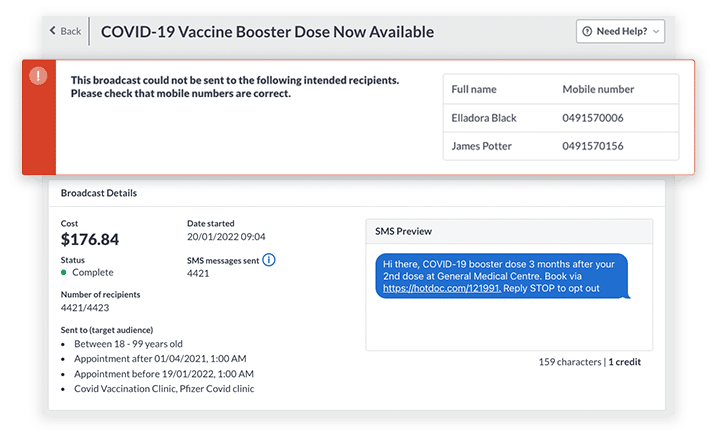
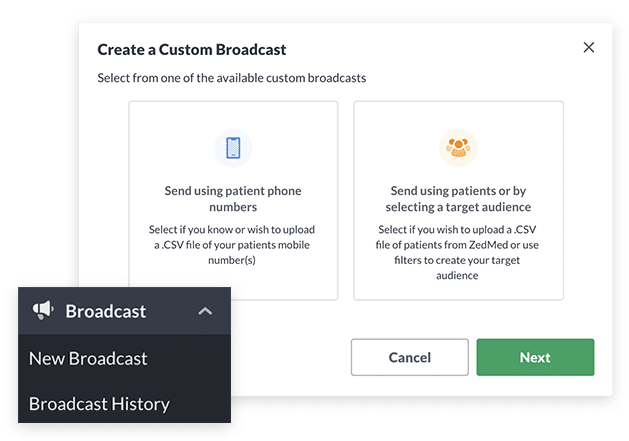
It’s now easier to see your sent campaigns and select recipients for new messages. There’s more options for filtering patients, including the date of their last appointment, arrival state, or most recent practitioner seen. You can also easily add patients by mobile number.
Digital forms are now more accessible for patients who are vision impaired or have difficulty with a smaller screen. Buttons are now larger and formatting has been optimised.
November 2, 2021
Instant updates to patient information
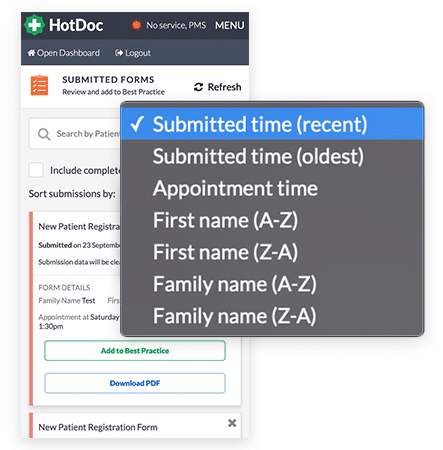
If a patient includes notes when they make an online booking, that information will now automatically be copied to your practice software.
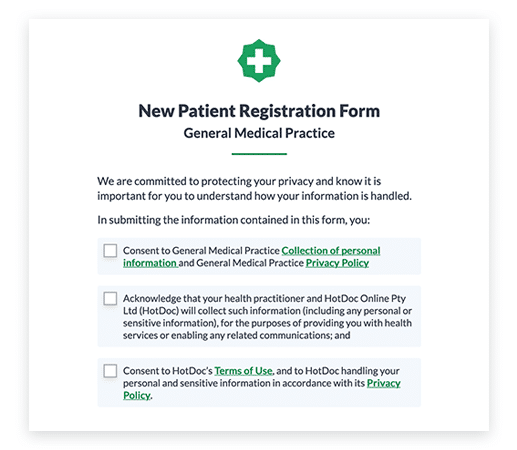
A patient comes to your practice and hasn’t completed their new patient registration or vaccine consent form. Don’t give them a clipboard and pen!
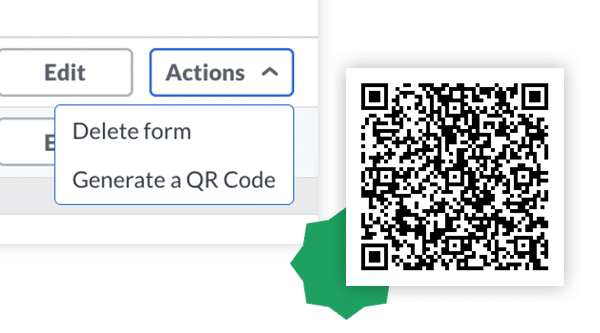
You can now generate a QR code for your digital forms, display them in your reception and invite your patients to scan them to complete their forms prior to their appointment.
Life just got easier for patients your practice has referred to specialist practitioners. If the specialist you’re referring to uses HotDoc, your patient can now upload their referral when booking their appointment.
For patients, it means no more forgotten referrals. For your practice it means fewer calls from specialists asking you send through the referral.
Your days of mishearing patient details will soon be over over. Caller ID will let reception staff know who’s calling your practice before talking to patients over the phone. It’s coming soon, so register your interest now.
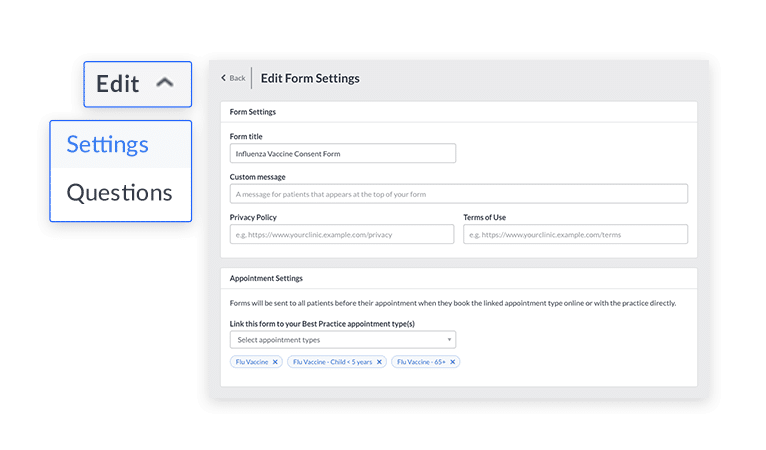
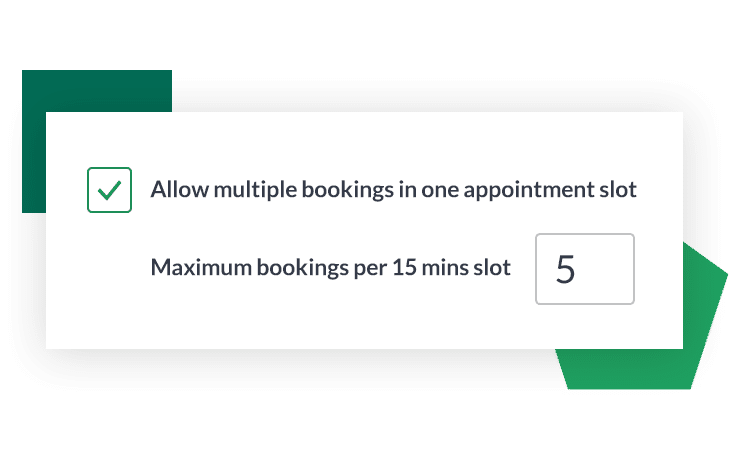
Our multiple bookings in one appointment slot feature was previously only available for vaccine appointment types.
The good news is that you can now use this feature for any appointment. For example, a 15 minute appointment slot – which previously could only contain one booking – can now be filled with as many as you want.
Start accepting COVID-19 vaccine appointments today. Our new vaccine solution has everything you need for a smooth and safe rollout for your practice and your patients.
Get started now by visiting our Vaccine Hub, where you can also download checklists and guides, watch webinars and get your questions answered by reading our FAQs.
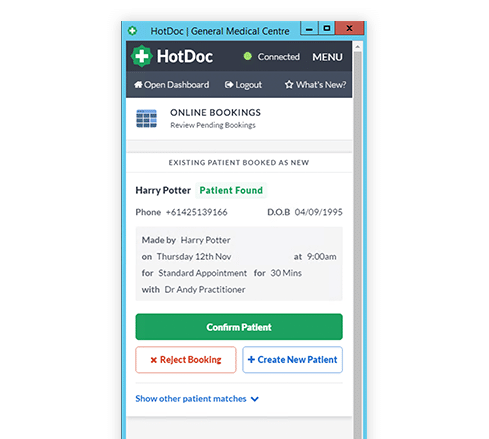
The HotDoc Sidebar is now even easier to use. If an existing patient books as a new patient, you can now either confirm the booking, create a new patient, or reject the booking.
And when we can’t find an exact match to a patient in your practice software, we’ll try to find another one and then give you the option to choose an existing patient (if one exists) or create a new one.
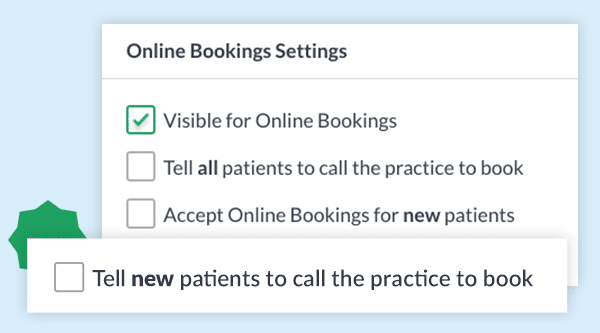
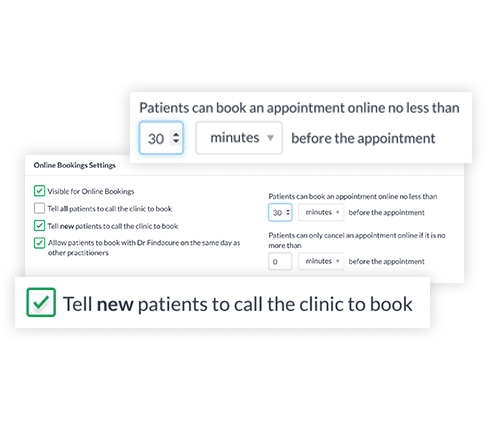
You can now choose to ask both new and existing patients to call your practice to make an appointment, as well as choose the minimum time period before an appointment starts that a patient can book or cancel.
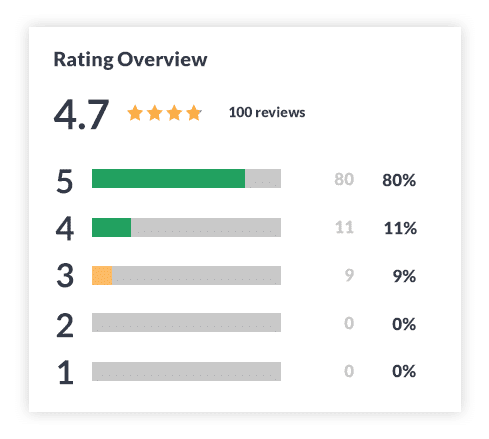
HotDoc Reviews is the fastest and easiest way for your practice to get more Google reviews and improve in Google rank, without paying for advertising. The feature is included in your monthly per-practitioner fee and is ready to use now.
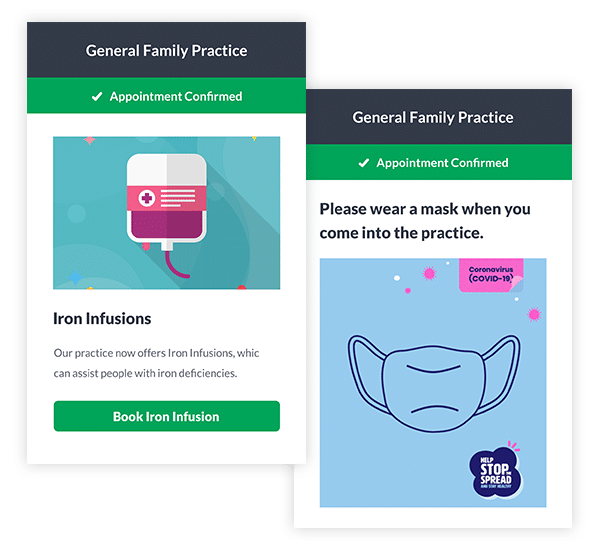
We’ve added eight new Inform campaigns you can send to your patients. These include generic and NSW, QLD and SA “wear a mask when you come into the practice” campaigns, as well campaigns promoting iron infusion appointments, breast cancer screening tests, mobile check-in and LGBTQIA+ inclusivity and acceptance.